Citi Credit Card Apply and Citi bank credit card payment Methods
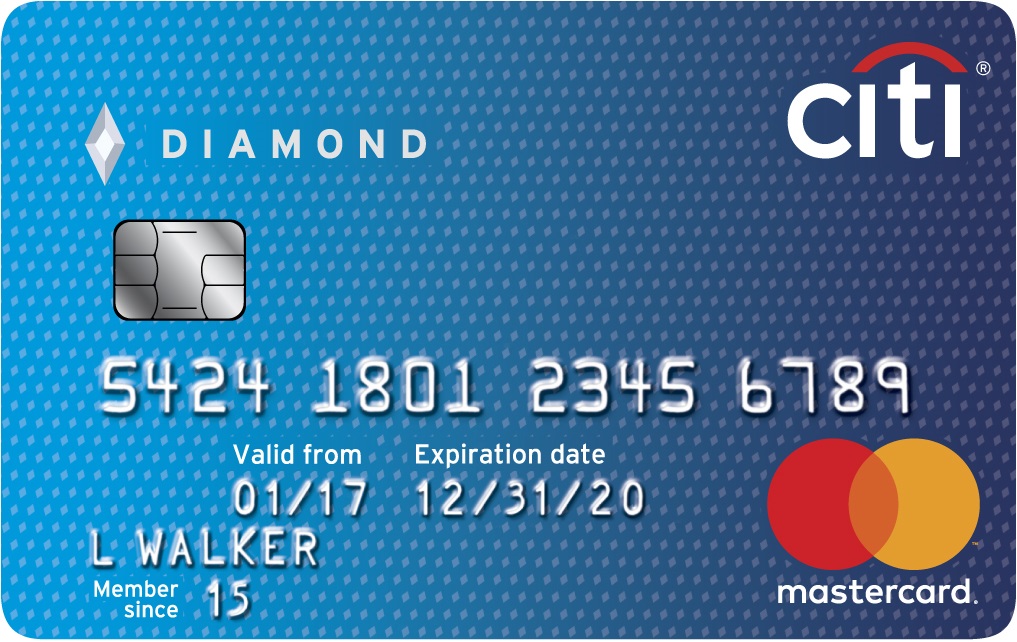
Citibank is the part of Citigroup and is part of the consumer division. Citibank was the first National City Bank of New York when it was founded in 1812. Citibank is headquartered in the city of New York City, United States. Citibank issues and markets insurances, credit cards, and investment products with their standard banking practices. On their online website, they also allow online banking and Citibank Credit card login. This Citibank Credit Card login is used by customers who wish to view their details on the go at their convenience. Citibank has over 15 million users using its online services. This article is about Citi credit card apply, Citibank Credit Card login, and Citi bank credit card payment.
How To Login To Citibank Credit Card?
- You would need to go to www.citi.com on your web browser first.

- When the homepage loads, look to the left side of your browser.
- Locate the ‘SIGN ON TO YOUR ACCOUNT
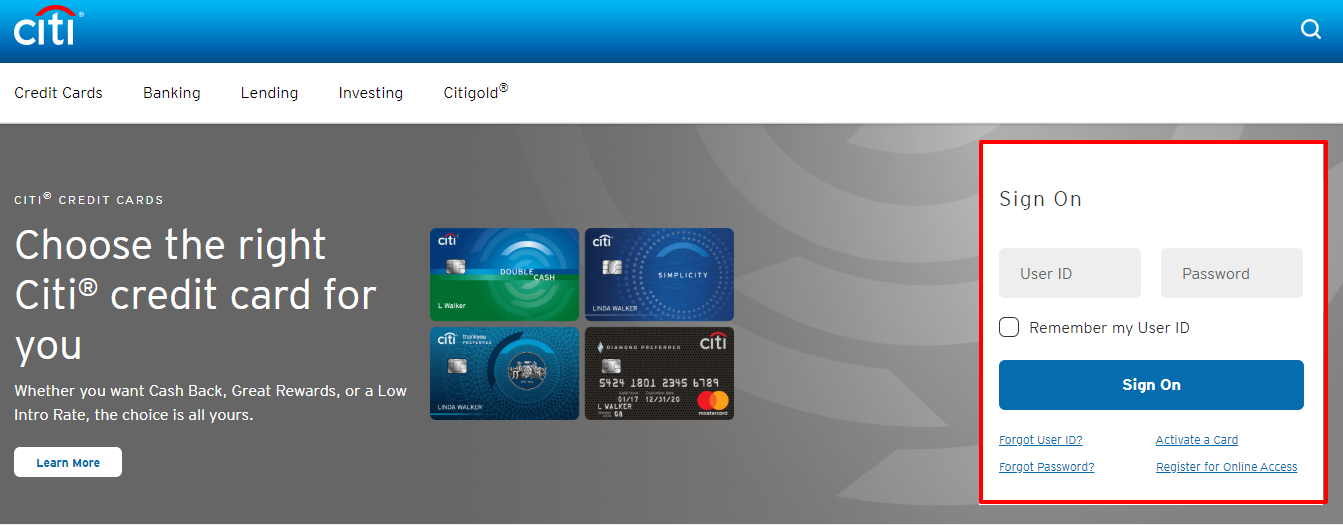 4. If you wish to apply, click on the type of account you wish to open. Follow this link https://www.citi.com/credit-cards/compare-credit-cards/citi.action?ID=view-all-credit-cards

Now, for Citibank Credit Card login, select the ‘Credit Cards‘ option from the list.
5. The login will then load or simply go to https://www.citi.com/credit-cards/citi.action.
6. Proceed to enter your User ID and password step by step.
7. Your password for Citibank credit card login is case sensitive so be sure you type properly.
8. Before signing in, make sure the box next to ‘Remember My User ID‘ option is unticked.
9.This will help to protect your login details for your Citibank credit card.
10. Then, go ahead and click on the ‘SIGN ON‘ button at the bottom to sign in.
Sometimes when you try to log in, you might have difficulties in that. It could be that you forgot your login details like your user id or password. However, you can always recover or reset those login details right from the login page itself.
How To Recover or Reset Login Details for Citibank Credit Card?
- When trying your Citibank credit card login, look below the ‘SIGN ON’ button.
- You will see the ‘Forgot User ID/Password?‘ link which you need to click on.

- On the banking and credit card customers column, you will be provided an empty field.
- Enter Citibank Credit Card Number and click on Continue.

- You will need to enter the Expiry Date of your Citibank Credit card,
- Then, your birth date, the one-time password to use to recover your login details.
- Make sure you are still using the cell number you used to register with Citibank.
- If you chose to recover User ID, you will be shown your User ID in the next step.
- If you know your User ID, use the one-time password to log in.
- From there, change your password for your Citibank Credit Card login.
Citibank credit card login is also possible on your smartphones and tablets. There is an official app for users to download and install for free. Make sure that you secure your login details for Citibank Credit card even on the app.
Official Security Verification Protocol for How to Apply for Citi Bank Credit Card Online: Step-by-Step Guide
Under Google Search Essentials and global financial regulatory standards, protecting cardholder credentials from spoofing, credential harvesting, and identity theft is paramount. Review this verified authentication checklist prior to accessing your account.
The 4 Golden Rules: What Authentic Financial Institutions Will NEVER Ask
No legitimate customer service agent or automated phone prompt will ever contact you asking for your two-factor SMS OTP or push notification token.
Card issuers will never ask for your full 16-digit account number, 3-digit CVV security code, or ATM PIN on a call they initiated.
Never install AnyDesk, TeamViewer, or UltraViewer at the request of anyone claiming to assist with portal login errors.
Fraudsters frequently claim accounts are "locked" and demand prepaid gift cards or crypto transfers to clear holds. Issuers never operate this way.
Lost, Stolen, or Compromised Account: 4-Step Emergency Action Plan
Immediate In-App Card Lock
Open your verified mobile banking application, navigate to Card Controls or Security, and instantly toggle "Freeze Card" or "Lock Card" to prevent unauthorized physical and digital transactions.
Call the Verified Number on Your Physical Card
Do NOT trust phone numbers from unsolicited SMS messages or search ads. Always dial the exact customer support or fraud hotline printed on the physical back of your card.
Invoke Fair Credit Billing Act (FCBA) Protections
Under U.S. federal law (FCBA) and equivalent global directives, consumer liability for unauthorized credit card charges is legally limited to $0 (zero liability policies) or a maximum of $50 if reported within 60 days of statement issuance.
Place Free Fraud Alerts with Credit Bureaus
If login credentials or sensitive data were exposed, place an immediate free 1-year fraud alert or credit freeze with all three major bureaus: Experian, Equifax, and TransUnion.